
Locations & zones
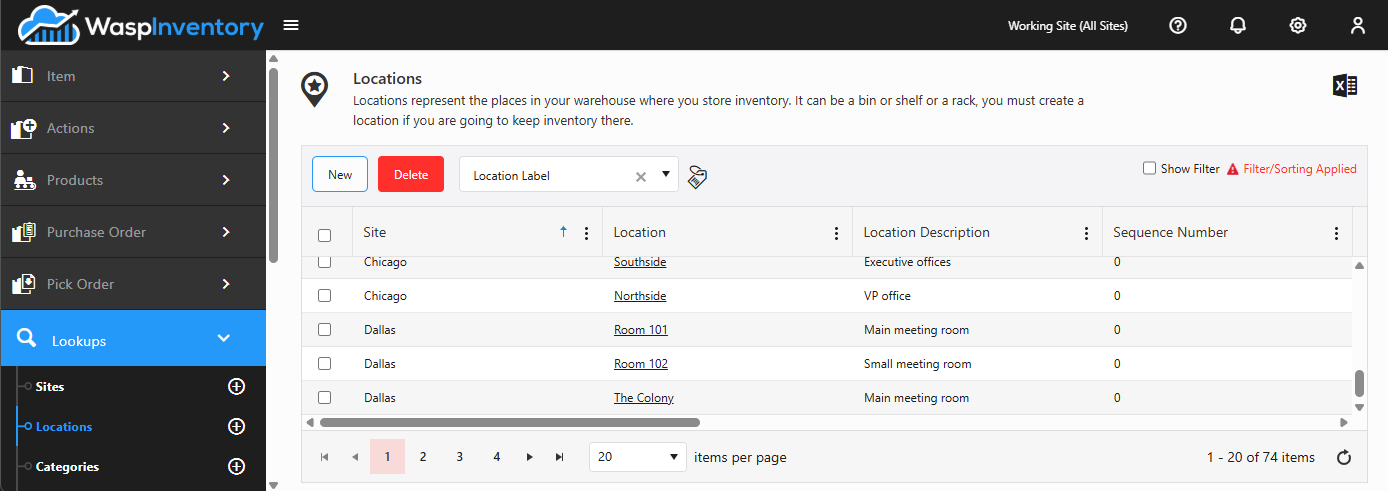
Locations are the specific spots within a site where stock physically sits, such as a shelf or a bin. Zones group locations together so you can organize a large site into sensible areas.
Before you begin
Section titled “Before you begin”- Create the site first; every location has to belong to one. You can also create a site without leaving the location form using the New Site button.
- You need a role that permits managing locations. If New is missing, check your role with your administrator.
Create a location
Section titled “Create a location”- Open Lookups → Locations and click New.
- Choose the Site this location belongs to (required). You can create a new site on the spot with New Site if you need to.
- Enter a Location Code (required): a short, unique name such as
A-01orBin 12. This is what you’ll scan and pick from, so keep it consistent across the warehouse. - Optionally add a Description to spell out where the spot is, and assign a Zone to group it with nearby locations.
- If you track physical capacity, record the dimensions: length unit, height, width, depth, and maximum weight or volume. Volume is calculated for you from the dimensions you enter.
- Fill in any custom fields your administrator has added, then click Save.
Create a zone
Section titled “Create a zone”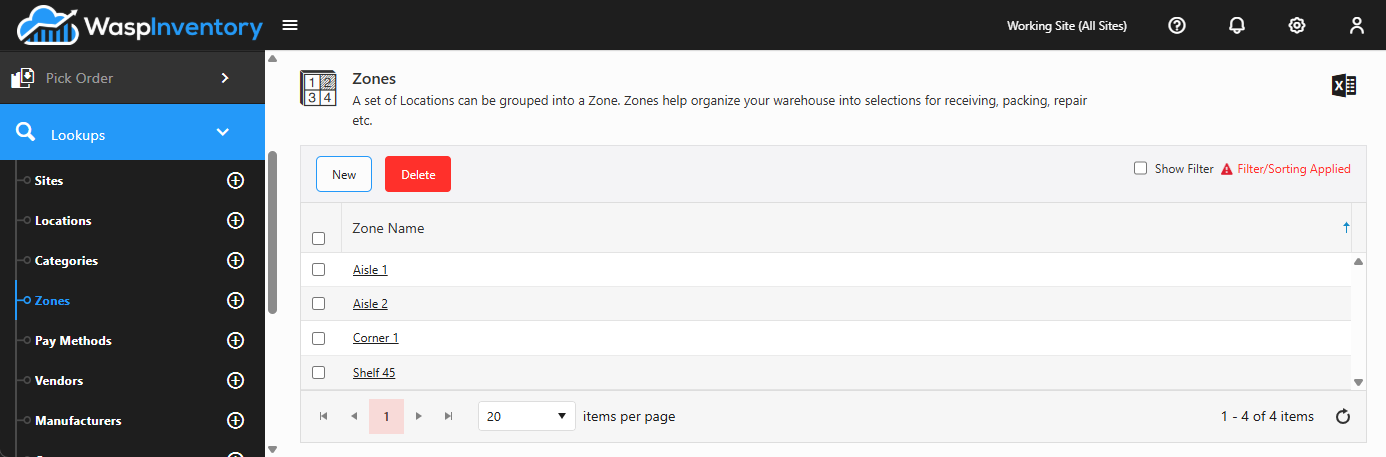
A zone is just a named grouping you can assign locations to. You can create one in two ways:
- From Lookups → Zones, click New, enter a Zone Name, and Save.
- While adding or editing a location, click New Zone and enter the name without leaving the page.
Once a zone exists, pick it from the Zone field on any location that belongs to it.
Troubleshooting
Section titled “Troubleshooting”- I can’t find a location in a drop-down. Locations are scoped to their site, and most screens are filtered by your Working Site. Confirm the site selector at the top of the app matches the location’s site, or switch it to All Sites.
- A location won’t delete. A location that still holds stock can’t be removed; move or remove that inventory first. If you’ve simply stopped using a location, renaming it is often the cleaner option.
- The volume field won’t let me type in it. Volume is calculated from the height, width, and depth you enter, so it’s read-only. Enter the dimensions and the volume fills in automatically.
Related
Section titled “Related”- Sites — locations belong to a site
- Move inventory — relocate stock between locations
- Lookups overview